Key takeaways
- Frame generation adds AI frames for smoother motion but does not lower the real render load.
- Enable it only when your base frame rate is already around 60 fps or higher for best feel.
- Pair it with NVIDIA Reflex or AMD Anti-Lag to offset the extra input latency it introduces.
- Turn it off in competitive shooters where low latency matters more than a higher frame counter.
Frame generation is one of the most talked-about and misunderstood features in modern gaming. In simple terms, it uses AI to create entirely new frames between the ones your GPU actually renders, inflating your frame rate for smoother-looking motion. Technologies like NVIDIA DLSS Frame Generation, AMD FSR 3 Frame Generation, and Intel XeSS bring this to today’s games, but the way it works has real trade-offs worth understanding.
This guide explains what frame generation actually does, how it differs from traditional upscaling, when it helps versus when it hurts, and how to decide whether to turn it on. By the end you will know how to read those big frame-rate numbers honestly and get the smoothest experience your hardware can deliver.
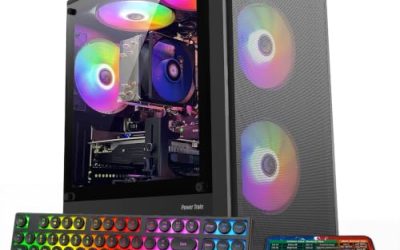
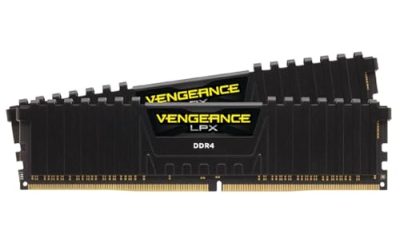
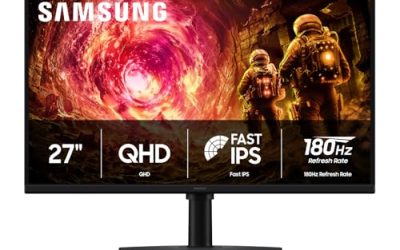
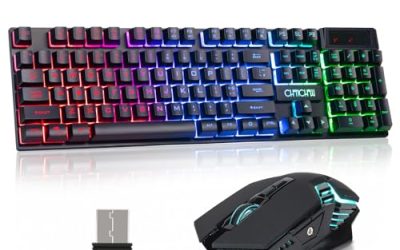
Our top picks




As an Amazon Associate we earn from qualifying purchases at no extra cost to you. Ratings are shown as listed on Amazon.
⚡ Save on Your Next PC — Amazon Prime
Prime members get fast free shipping on the systems above, plus early access to Prime Day & Black Friday PC deals. New members get a 30-day free trial.
Watch: What Is Frame Generation? — Video Review
How Frame Generation Actually Works
Normally your GPU renders every frame you see. Frame generation changes that: after rendering two real frames, the GPU analyzes the motion between them and uses AI, on NVIDIA’s newer cards via dedicated Optical Flow hardware, to synthesize an interpolated frame that slots in between. The result is roughly double the displayed frame rate. NVIDIA’s newest version can even generate multiple frames per rendered pair, pushing counters far higher than the GPU is truly rendering.
Frame Generation vs Upscaling
It is easy to confuse frame generation with upscaling like DLSS Super Resolution or FSR, but they solve different problems. Upscaling renders the game at a lower resolution and reconstructs a sharp higher-resolution image, which genuinely reduces GPU workload and lowers latency. Frame generation instead adds frames on top for smoother motion, but it does not reduce the underlying render load and it slightly increases latency. The two are often used together for the best result.
The Latency Trade-Off You Should Know
Here is the catch: because a generated frame must wait for the next real frame to be rendered before it can be interpolated, frame generation adds a small amount of input latency. Your game may show 120 fps but feel like the 60 fps base rate, or slightly worse. This is why NVIDIA pairs it with Reflex and AMD with Anti-Lag, features that claw back latency so the smoother visuals do not come at a responsiveness cost.
When to Turn It On, and When Not To
Frame generation shines when your base frame rate is already decent, roughly 60 fps or higher, and you want to fill a high-refresh 120Hz or 240Hz monitor with buttery motion in single-player games. It is a poor choice when your base rate is low (under about 45 fps), because interpolating from a sluggish source amplifies latency and can introduce visual artifacts. Competitive shooters, where latency is king, are usually better off with it disabled.
Hardware Requirements and Compatibility
Support depends on your GPU. NVIDIA DLSS Frame Generation requires an RTX 40-series or newer card, while the latest multi-frame version needs RTX 50-series hardware. AMD’s FSR 3 Frame Generation is more open, working on a wider range of GPUs including some competitors’ cards, and Intel offers its own approach. Always check that both your GPU and the specific game support the feature, and remember it must be enabled in each game’s graphics settings.
Tips
- Frame generation adds AI frames for smoother motion but does not lower the real render load.
- Enable it only when your base frame rate is already around 60 fps or higher for best feel.
- Pair it with NVIDIA Reflex or AMD Anti-Lag to offset the extra input latency it introduces.
- Turn it off in competitive shooters where low latency matters more than a higher frame counter.
Frequently Asked Questions
Does frame generation increase input lag?
Yes, slightly, because a generated frame must wait for the next real frame. Latency-reduction tech like NVIDIA Reflex or AMD Anti-Lag offsets most of it, but it never lowers latency below the base rate.
Is frame generation the same as DLSS upscaling?
No. Upscaling renders at a lower resolution to cut GPU load and latency; frame generation adds interpolated frames for smoother motion. They are separate features often used together.
What GPU do I need for frame generation?
NVIDIA DLSS Frame Generation needs an RTX 40-series or newer (multi-frame needs RTX 50-series), while AMD FSR 3 works on a broader range of GPUs. Check per-game support too.
Should I always turn frame generation on?
No. It is great for single-player games at a solid base frame rate, but skip it when your base rate is low or in competitive shooters where responsiveness beats a higher frame count.
Conclusion
Frame generation is a powerful tool for smoother visuals on high-refresh monitors, but it is not free performance, it adds latency and works best from an already-solid base frame rate. Understand the trade-offs, pair it with Reflex or Anti-Lag, and enable it selectively, and you will get the best of both smooth motion and responsive play.